
CS2 PLAYER PROFILE CHECKER

CS2 Profile Checker &Player Stats Lookup

Know who you're really playing against. Use Scope as a CS2 player checker to look up any player and review recent performance, rating-based stats, and account reputation in one place

What suspicious accounts can look like

Real banned-player examples show how high performance

and account reputation data can appear together.

Nt3
Nt3
Cheater
K/D7.50
Win rate100%
Permanent FACEIT banNew account 3 months
3к часов а ★★★ то
3к часов а ★★★ то
Cheater
K/D7.33
Win rate100%
Permanent FACEIT ban
Noxelnewgen
Noxelnewgen
Cheater
K/D1.17
Win rate50%
730-day ban for cheating on FACEIT

WHAT YOU’LL LEARN

Understand the player behind the stats

Four key answers you need before or after the match
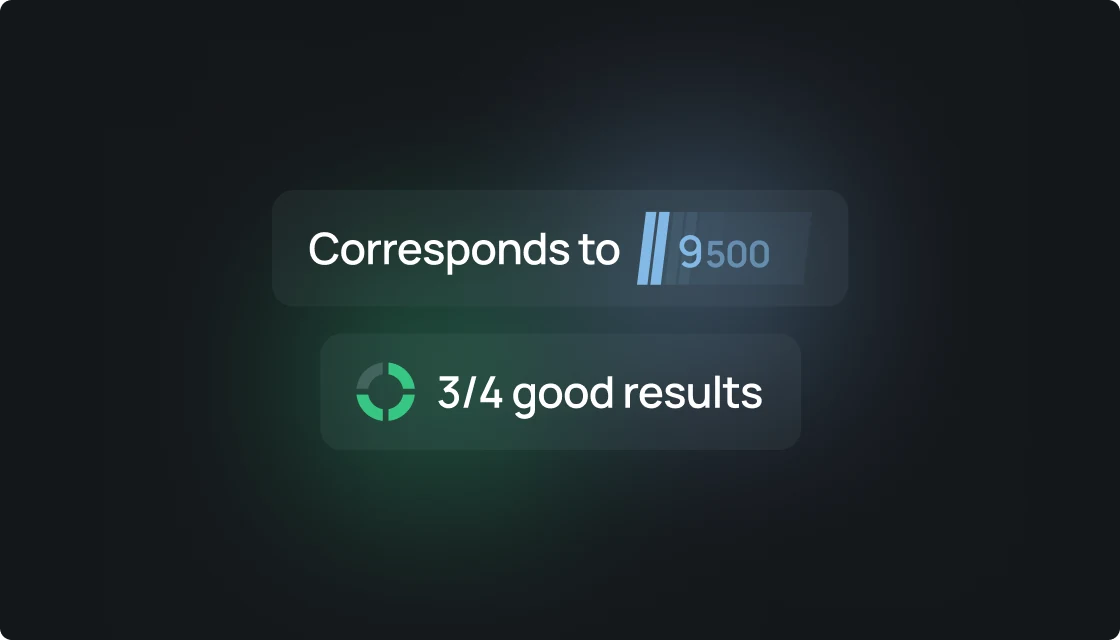
How strong are their stats for this rating?

How strong are their stats for this rating?

Scope puts each supported metric into context for the player’s Premier rating or FACEIT Elo — and highlights values that fall into the highest percentile bucket.
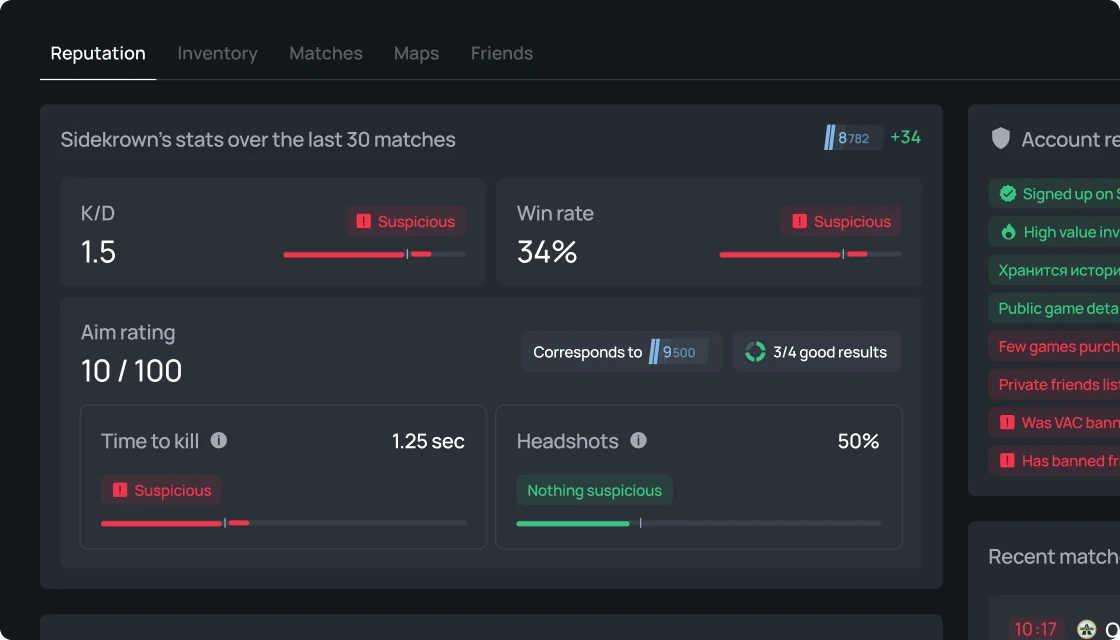
How are they playing right now?

How are they playing right now?

See the last 30 matches, K/D, win rate, ADR, average kills, and rating change instead of relying only on lifetime stats.
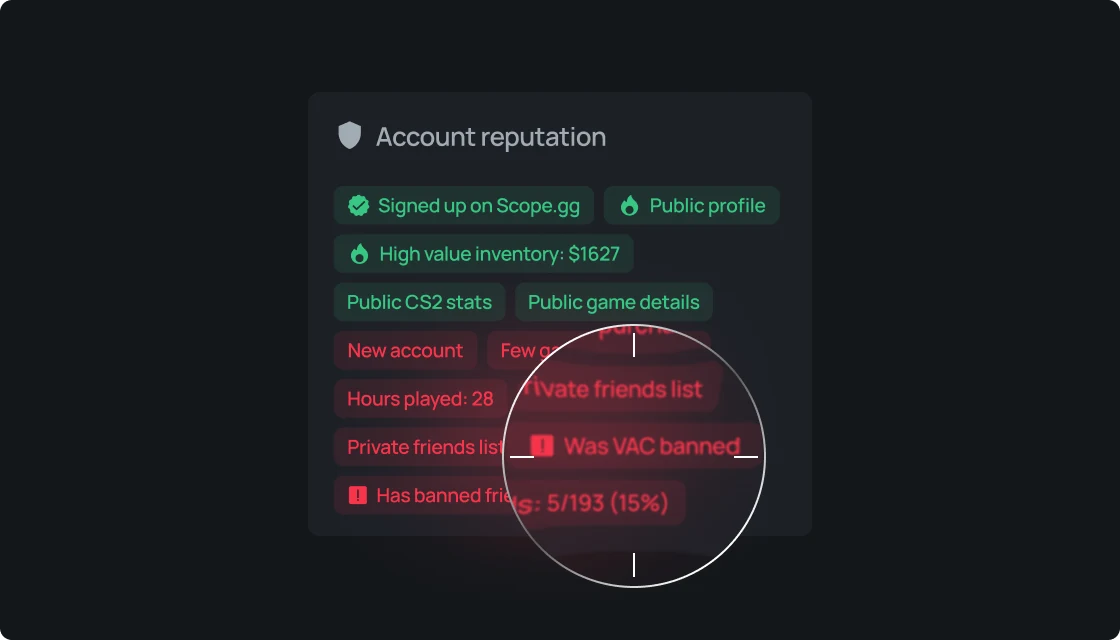
Does the account look normal?

Does the account look normal?

Check account age, bans, banned friends, and other available reputation data in one place.
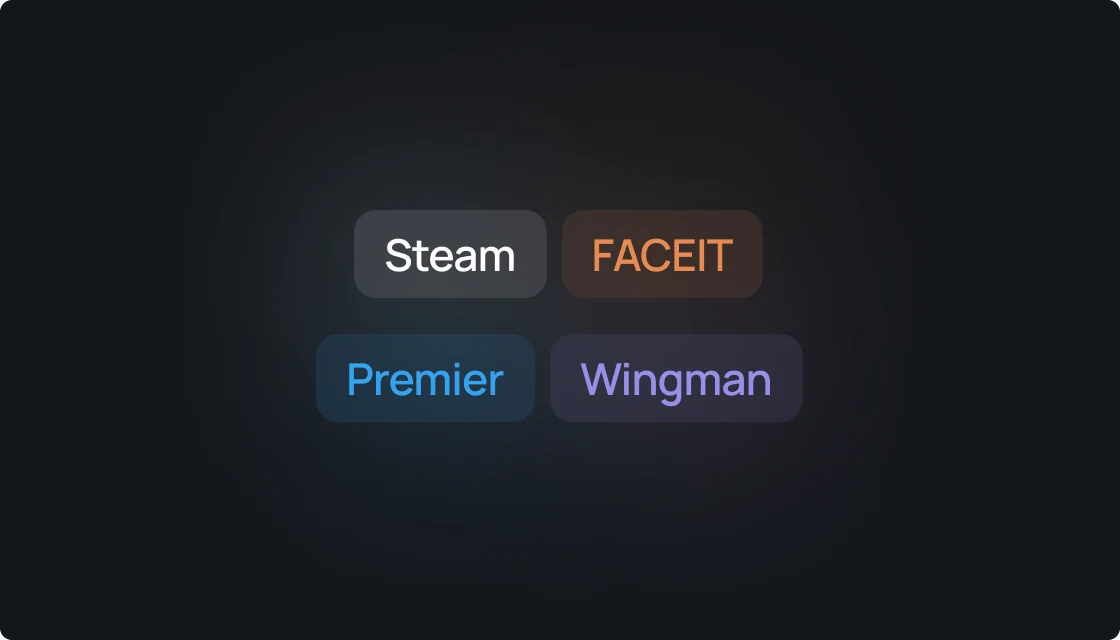
Where are they strongest?

Where are they strongest?

See their best maps and key performance metrics in one profile without jumping between different trackers.

CS2 PLAYER PROFILE CHECKER

CS2 player checker, profile lookup, stats and reputation

Search a CS2 player by nickname, Steam ID, Steam profile URL, or supported FACEIT profile link — then review player stats, rating-based percentiles, recent form, and available account reputation data

How does the CS2 player checker work?
Use Scope as a CS2 player checker to look up a player by SteamID64, Steam profile URL, Steam Vanity URL, CS2 nickname. An exact ID or profile URL points to one account, while nickname search may return several matching CS2 profiles.
How to check a CS2 profile by Steam ID, nickname, profile URL, or FACEIT?
Scope works as a CS2 profile checker for supported player identifiers and links. Paste a Steam ID, profile URL, Vanity URL, FACEIT profile, Leetify link, or search by nickname to find the matching CS2 player profile.
Can I use Scope as a Steam profile checker for CS2?
Yes. Use Scope as a Steam profile checker for CS2 by pasting a SteamID64, Steam profile URL, or Steam Vanity URL. Scope resolves the player profile and shows available CS2 stats, recent form, rating context, and account reputation data.
How do I look up a CS2 player by nickname or Steam ID?
Use the CS2 player lookup to search by nickname or paste an exact Steam ID or supported profile link. Exact identifiers resolve one account; nickname search may return several matching players.
What CS2 player stats can you check?
Scope player profiles can include K/D, ADR, KAST, headshot percentage, win rate, average kills, match history, Premier rating, FACEIT Elo, recent form, map performance, weapon stats, opening kills, clutch stats, CT/T side split, time to kill, alias history, and other available CS2 statistics.
How does Scope put CS2 stats into context for a player’s rating?
Scope uses the player’s current Premier rating or FACEIT Elo and places supported metrics into one of five percentile buckets: 5th, 33rd, 50th, 66th, or 95th percentile. This helps explain whether a raw stat is low, typical, high, or unusually high for that rating.
What does the 95th percentile mean in Scope?
The 95th percentile is Scope’s highest percentile bucket for that metric and rating. Metrics in this bucket are highlighted as suspicious and can be reviewed together with recent form and account reputation data. A high percentile alone is not proof of cheating.
How can Scope help check a suspicious CS2 player or possible smurf?
Scope combines rating-based stat context with available account data such as account age, VAC or game bans, FACEIT bans, banned friends, recent performance, and rating changes. These signals can help investigate a suspicious player or possible smurf, but they are not proof by themselves.
Can Scope be used as a CS2 cheater checker?
Scope can be used as a CS2 cheater checker to investigate a suspicious player by combining rating-based stat percentiles with available account reputation data such as VAC bans, game bans, FACEIT bans, account age, and banned friends. Scope does not prove that a player is cheating; it provides context and signals for your own assessment.
How is Scope different from basic CS2 stat trackers?
Steam, FACEIT, Leetify, CSStats, Tracker, and other CS2 stat trackers are useful for checking individual numbers. Scope adds rating-based percentile context, recent form, and available account reputation data to help explain what those numbers mean for the player’s current level.
Why can’t a CS2 player profile be found?
A profile may be unavailable because of an incorrect nickname or Steam ID, a private Steam profile, missing player data, an unsupported link format, or because Scope has not processed the account yet.

Check your first CS2 profile

No existing account required