


Ultimate CS2 dashboard: track your personal stats & progress
Become a better player by identifying your growth areas with match stats hidden in-game that we show. Use our performance graph to track your progress and master how to track CS2 performance.

How do we help?
Stats
We’ll break down your gameplay and show stats that can’t be found inside the game
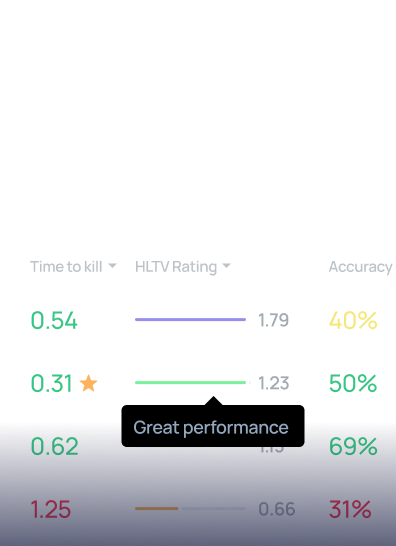
Your progress
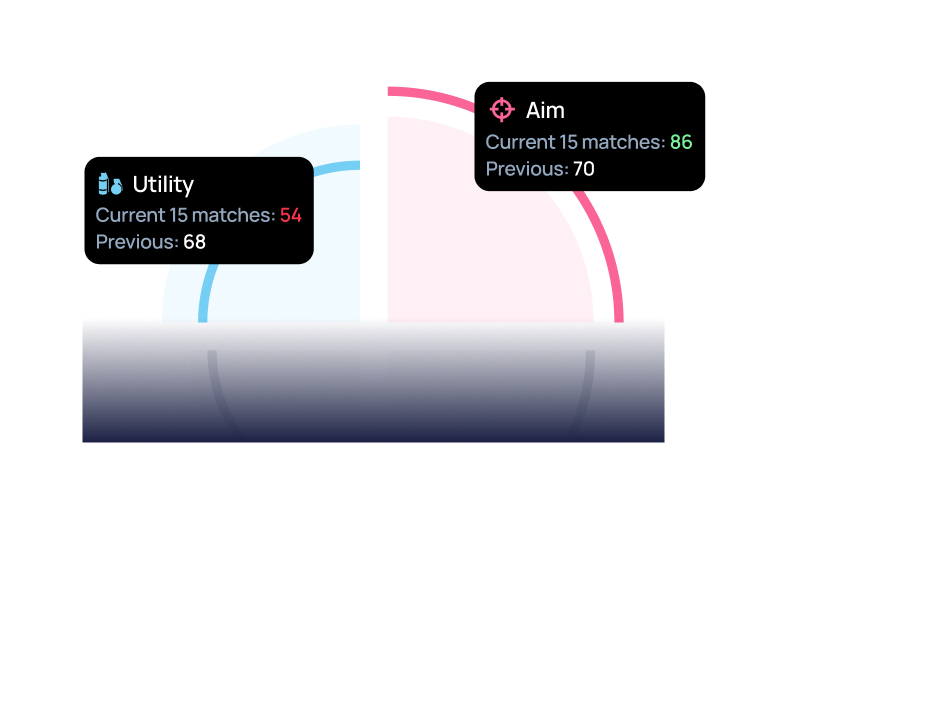
We’ll show how your skill changes every 15 matches
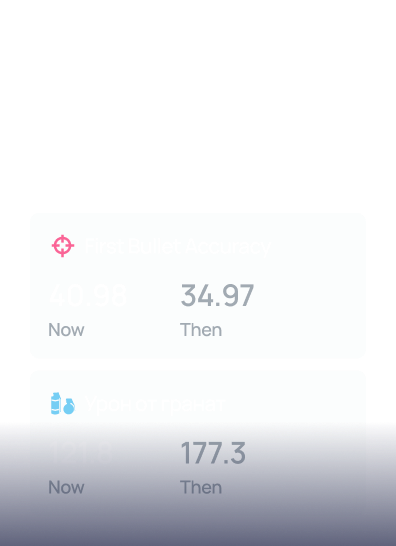
Aim rank comparison
We’ll compare how your aim matches your Premier rating or FACEIT Elo
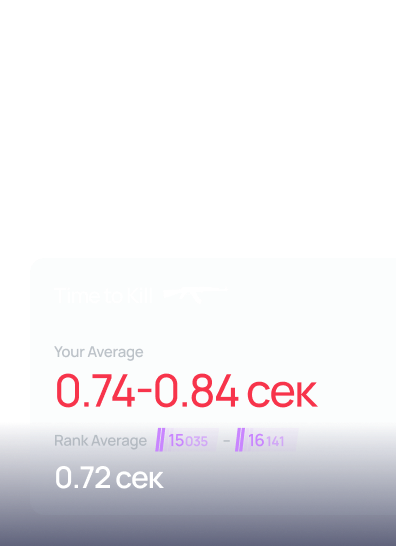
Skill Evaluation
We’ll give you not just the number, but also a rating for each metric
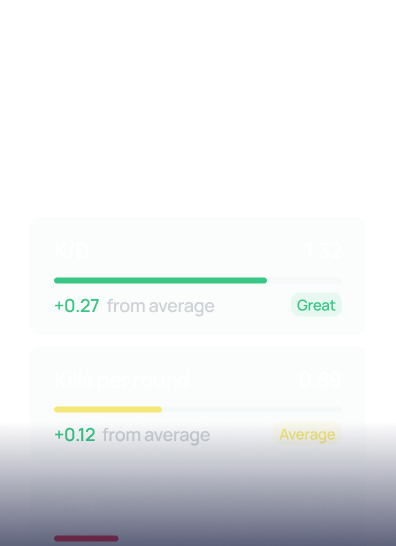
Stats
We’ll break down your gameplay and show stats that can’t be found inside the game
Your progress
We’ll show how your skill changes every 15 matches
Aim rank comparison
We’ll compare how your aim matches your Premier rating or FACEIT Elo
Skill Evaluation
We’ll give you not just the number, but also a rating for each metric
How to start tracking progress?

01
Sign up on SCOPE.GG

02
LINK YOUR MATCH HISTORY IN STEAM OR FACEIT SO WE CAN TRACK YOUR PROGRESS
03
GO TO THE «MY PROGRESS» SECTION AND VIEW YOUR STATS AND PROGRESS
FAQ
How to track CS2 stats effectively?
The most reliable way is to use an automated CS2 progress tracker. By connecting your Steam or Faceit account to our CS2 dashboard, you get real-time access to hidden match stats and personal stats that the standard in-game UI doesn't show.
Why is my ADR dropping in CS2?
A drop in Average Damage per Round (ADR) can be caused by changes in your playstyle or role. Our best CS2 stat tracker uses a performance graph to help you visualize these trends. It allows you to see if the drop correlates with specific maps or your current form.
What makes this the best CS2 stat tracker?
Unlike basic tools, we provide a deep performance graph and analytics. We track «hidden» data like hit-based headshot % and TTK, making it the ultimate CS2 dashboard for players who want to evaluate their real skill level.
How to track CS2 performance over time?
Consistent monitoring is key. Our progress tracker automatically logs every game, creating a visual performance graph. This is the easiest way to see if you’re actually getting better or if you've hit a plateau in your personal stats.
 Log in with Steam
 Log in with FaceIt
We’ve recorded 3 clips
with your multi-kills from
your recent matches.
Sign in to watch them.